Troubleshooting the Issue of Loading Sprite/Texture2D Resource Types with the GameFramework in Unity
A couple of days ago, I encountered a peculiar issue: when using the GameEntry.Resource.LoadAssetAsync<T> API from the GameFramework in Unity to load Sprite-type resources, an error indicating a type mismatch occurred, even though the corresponding Sprite file clearly exists:
1 | Exception: GameFrameworkException: Load asset |
Problem Analysis
At that time, I checked the packaging machine logs and the AB of the finished packages, and found no missing resources. Interestingly, I have three sets of identical logic, but only one of them consistently reports an error, while the other two have never had issues; additionally, everything appears normal in the editor.
Upon inspecting the Unity project repository, the problematic files are as follows. You can see that Unity has recognized two versions of the same file in one directory, one as a Sprite type (the first one, which relates to your settings in the Inspector and may not necessarily be a Sprite) and the other as a Texture2D type (the second one).
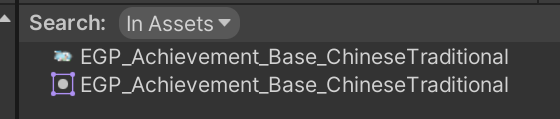
At this point, it’s already evident that there’s a problem, as these two different types of resources share the same name (even the file extensions in Windows Explorer are the same). If I pass a filename in, which one UGF will load is uncertain.
However, this does not explain why only one of my three identical logic sets has an issue. Moreover, if it were truly random loading, this error shouldn’t consistently occur; it should appear sometimes and not at other times, which contradicts my experience.
Eventually, I found online that the keyword: UGF caches resources using the filename AssetName as a key when loading resources, to reduce lookup frequency for subsequent accesses to the same resource:
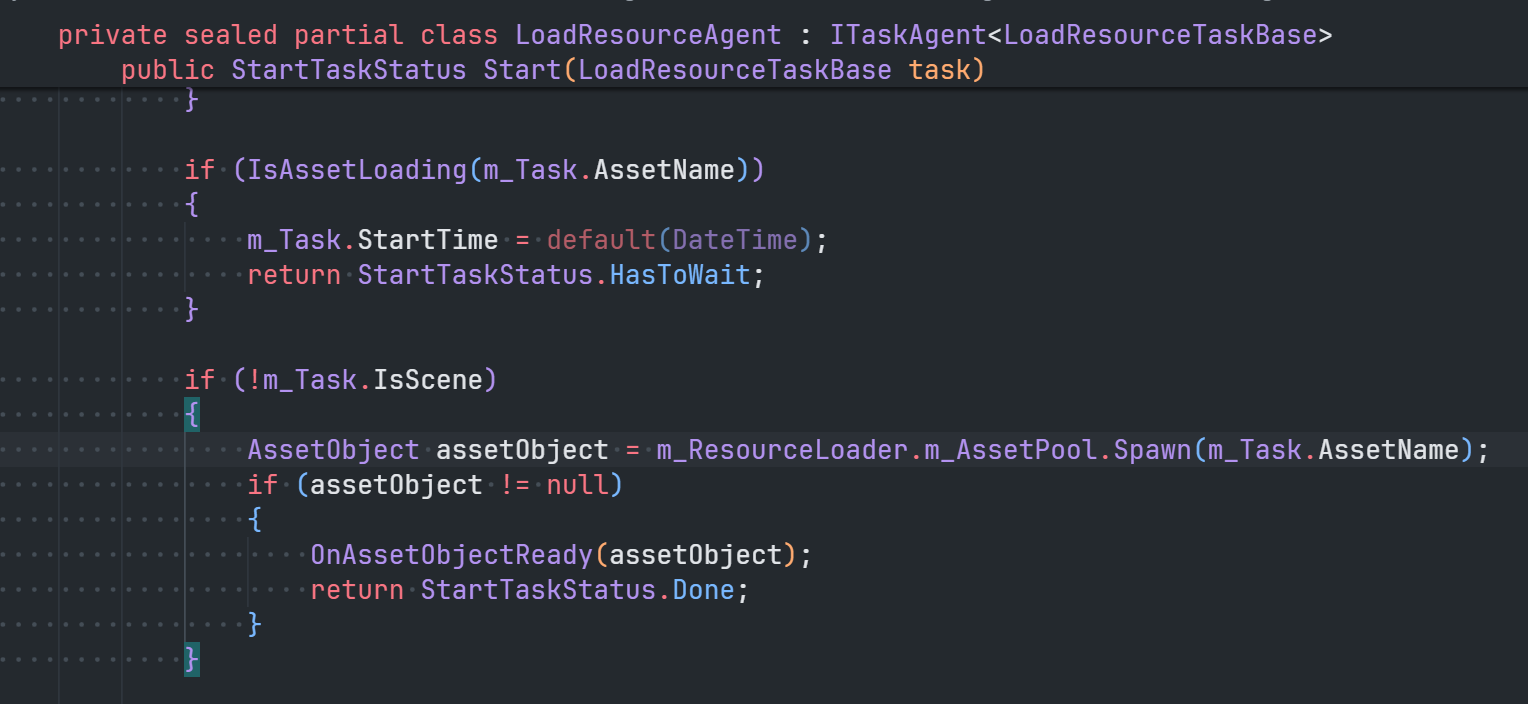
If there are ambiguous resources in Unity (for example, the same .png asset can be loaded as both Texture2D and Sprite), they will be cached upon first loading, and the type of the cached value depends on the type used during the initial load.
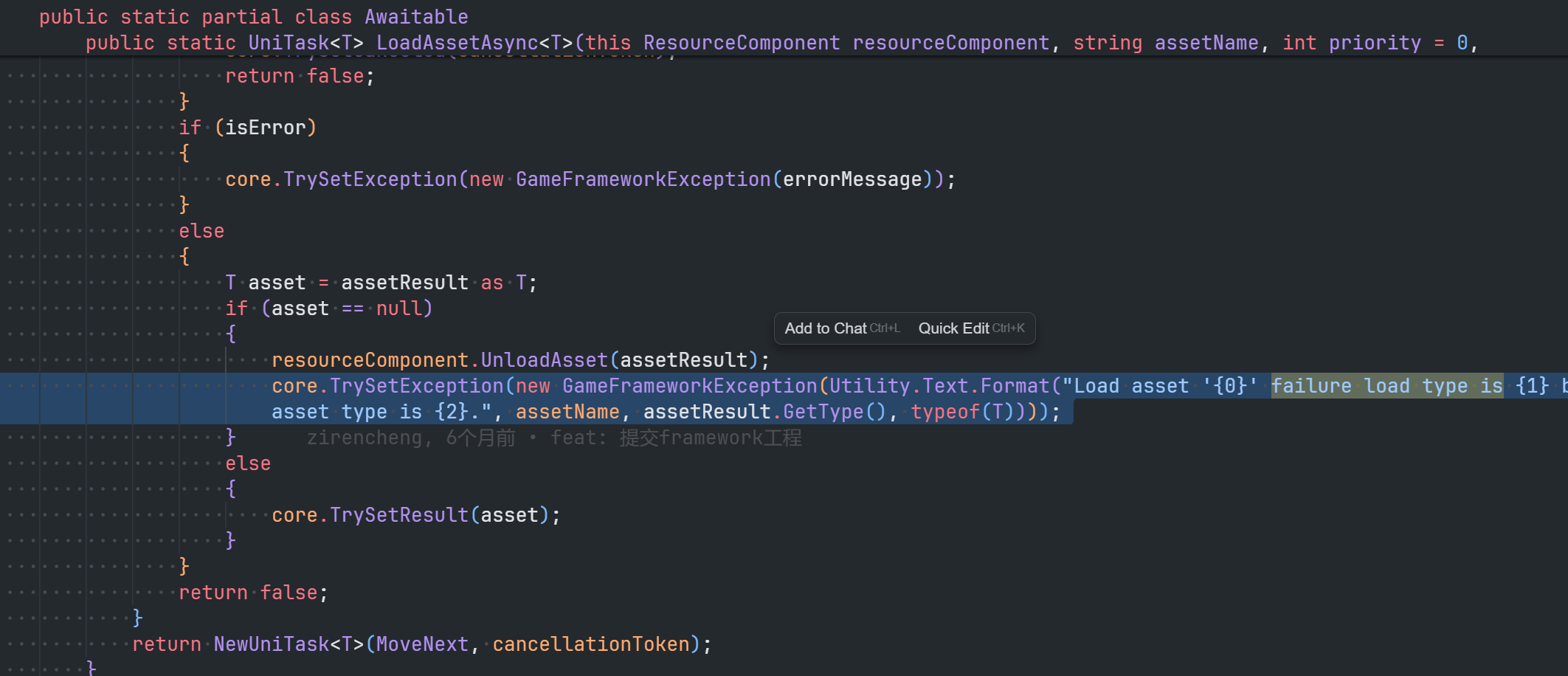
Thus, when attempting to load this resource again, even if a different type is declared, the cache will return the previously cached resource due to the same filename, which will then throw an exception from UGF due to type mismatch, resulting in the error mentioned at the beginning of this article.
After my investigation, I found that this “premature” loading chain in my project is located on a UIForm Prefab:
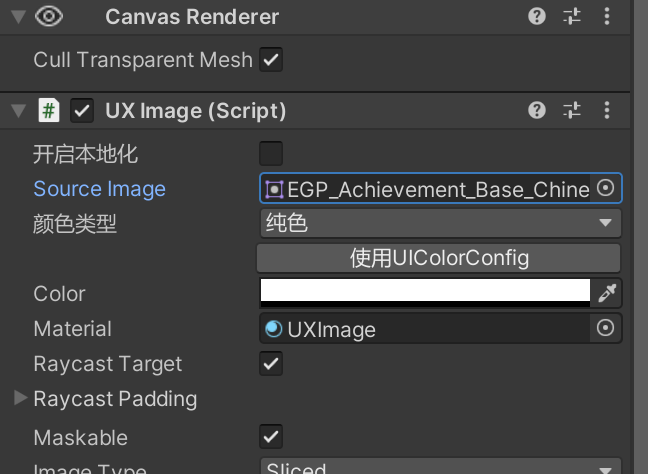
I had set this image as the effect preview under the Editor, and when the game generated this UIForm, UGF automatically loaded the image in Texture2D format. Later, when calling LoadAsset<Sprite> in the code, it couldn’t yield the correct result.
One tricky point here is that the type parameter T of LoadAssetAsync<T> is not used as an index during loading; it is merely a post-validation. This means that UGF first loads the resource and then checks it against type T, throwing an exception if it doesn’t match.
There is a similar question on StackOverflow comparing the differences between the two:
Unity Resources.Load vs. Load as Sprite - Stack Overflow
Problem Resolution
OK, now that the cause has been identified, the solution is clear: either clear the previous reference chain to ensure that when I call Resource.LoadAssetAsync<T>, there is no old data in the cache, or physically separate the two types of files.
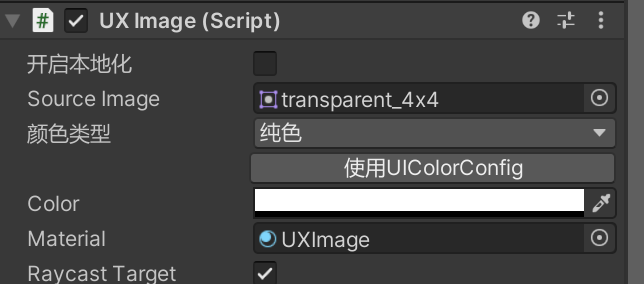
Considering that splitting the same .png resource would take up additional space, and that in actual multi-developer projects, “standardizing developers to only use a specific path for a certain resource format” also has its costs, I ultimately opted for convenience and removed the image from the UIForm, replacing it with another transparent image.
After testing the packaging, the issue was resolved immediately.